Live RunTime Debuger
A downloadable tool for Windows
🛠️ ABD Runtime Debugger For Unity
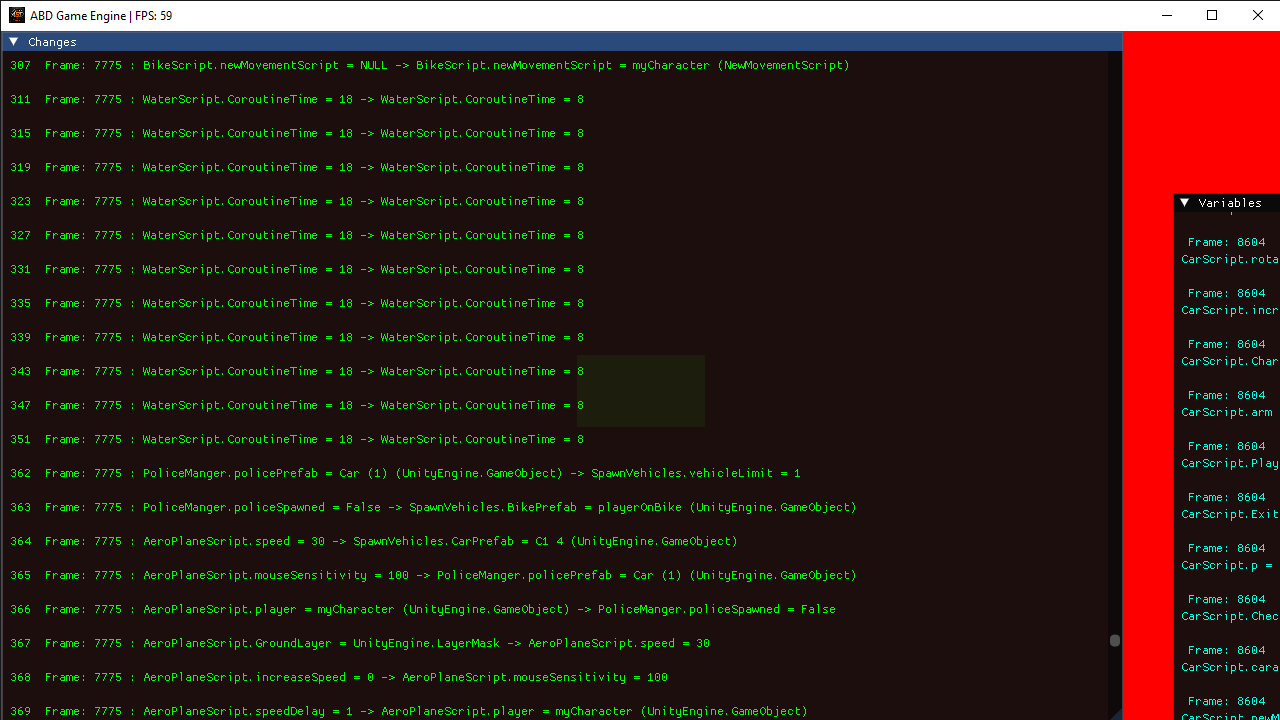
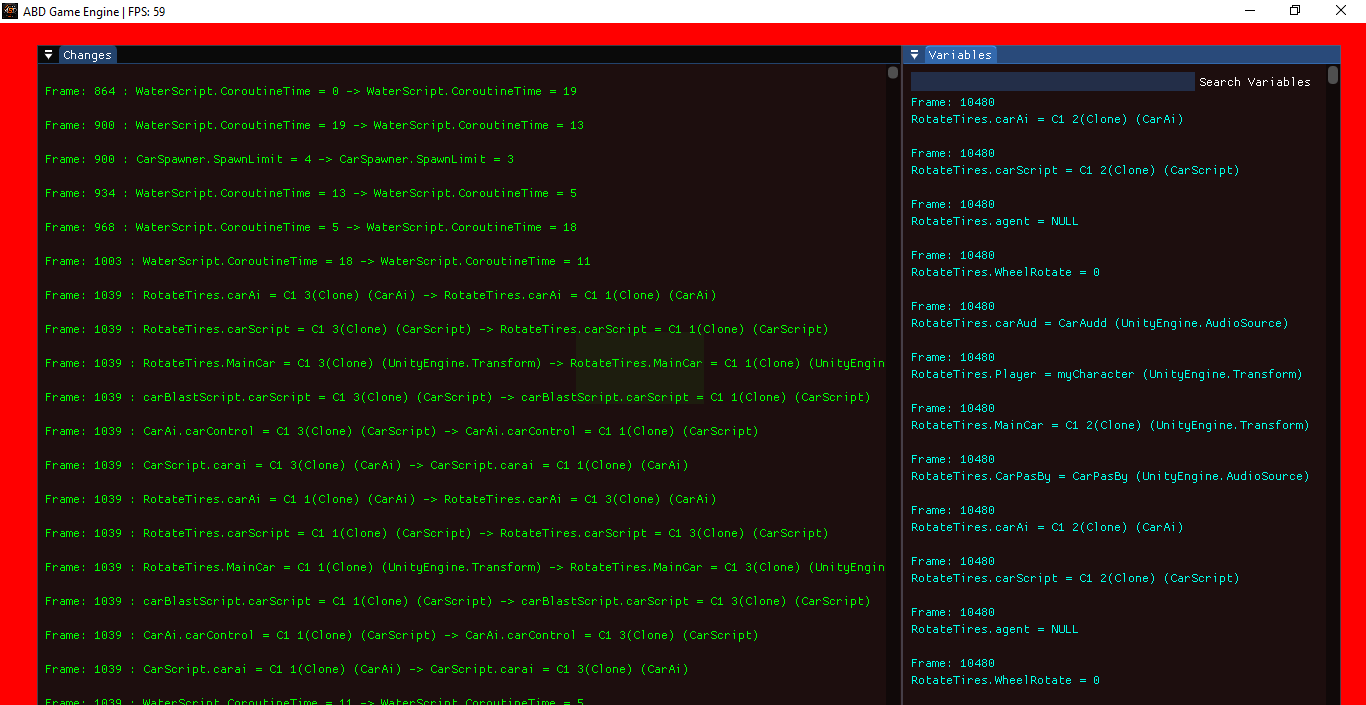
A lightweight live runtime debugging tool for Unity that records variable changes while your game is running. This tool helps developers track exactly when, where, and how variables change during gameplay.
✨ Features.
✅ Live Variable Tracking
✅ Current Value → Previous Value Comparison
✅ Frame Tracking
✅ Runtime Session Tracking
✅ Full Runtime History Logging
✅ Null Reference Detection
✅ Variable Search System
✅ Lightweight and Easy to Use
Perfect For
🎮 Open World Games
🎮 Large Unity Projects
🎮 Runtime Bug Hunting
🎮 Gameplay Systems Debugging
🎮 Finding Hidden Variable Issues
Current Features
- Runtime History
- Variable Change Tracking
- Frame Tracking
- Runtime Count Tracking
- Search System
Pc Recommandation:-
Unity Version-> 2022.3.62f2;
Graphic Card -> Gtx 730;
Generation -> intelcore i3;
Storage Required-> atleast 5mb;
Ram -> 8GB
Download
Install instructions
Download The Zip.
1.Extract it
2.Take the dll file in unity
3.Attach the script to and Empty Game Object from ABD Engine folder in add component section
4 run the game with giving it location of the folder from where you took that dll then it will run
5 you will find main.exe in that folder from where you took dll
open it and see the live runtime tracking
Don't Delet
do not delet the two files from thatfolder
1 You Can Check The Files In The Folder They Are Temporary If You Delet Them Your Debuger Last Histroy Will Deleted
2.Main.exe
Leave a comment
Log in with itch.io to leave a comment.